
Trusted by thousands of businesses, educational institutions, government organizations, and nonprofits globally, this AI based widget is designed to simplify accessibility integration while supporting broader digital inclusion goals.
Watch this quick demo to explore accessibility features and how the accessibility widget works?
The following guide walks through the steps required to activate an account, connect a website, and offer over 92 accessibility features:
Installation Options
There are two ways to install the All in One Accessibility widget on your website:
Option 1: Use an All in One Accessibility Integration Plugin
For supported platforms, simply install the All in One Accessibility integration plugin, extension, module, or app and complete the setup using widget license.
Option 2: Add the Installation Code Manually
This option works with most websites, applications, frameworks, and custom-built platforms.
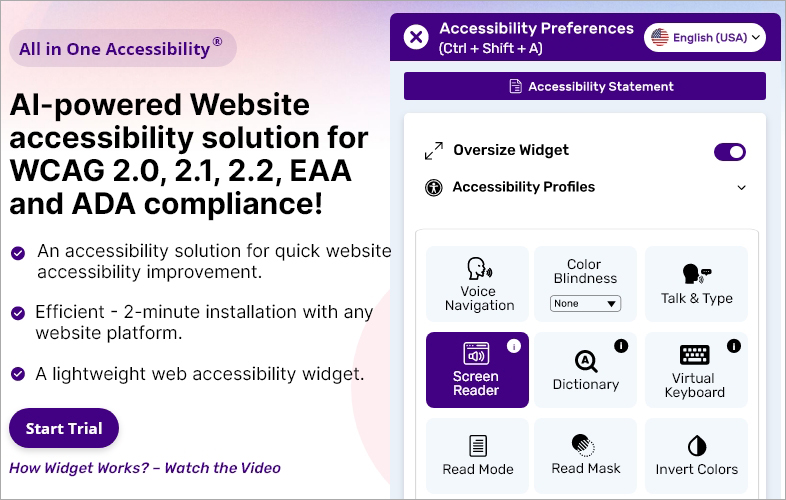
Visit accessibility widget and click the "Start Free Trial" button.
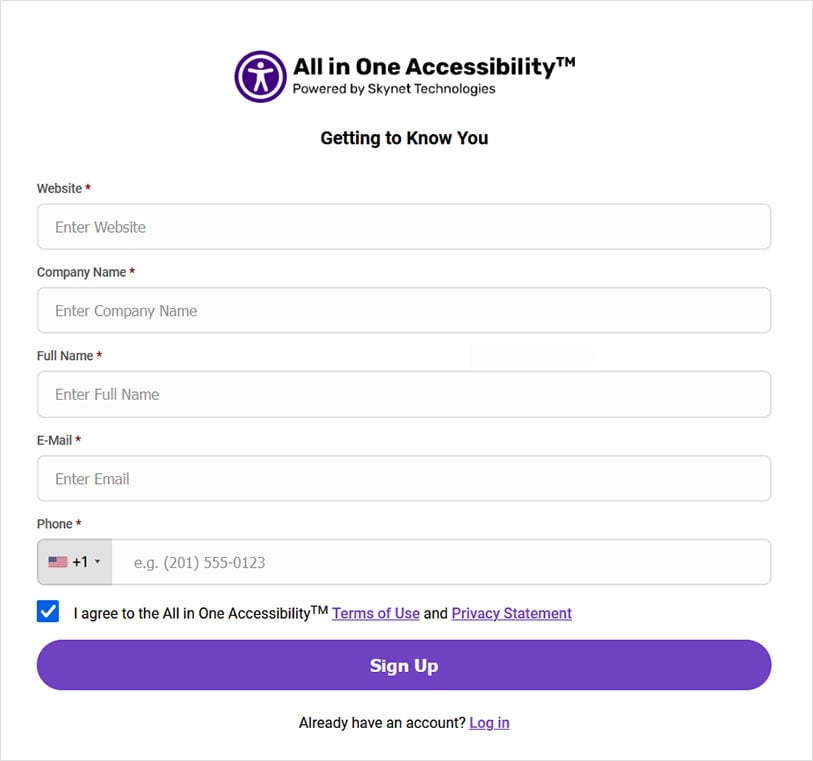
Enter information and website details to sign up.
Select the plan that best matches website's requirements and click "Continue" to proceed.

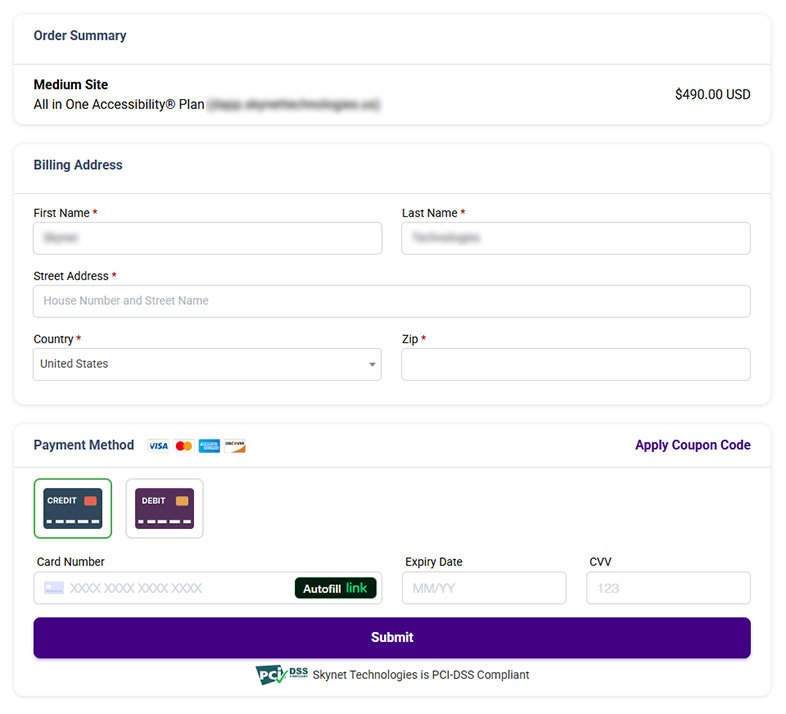
Enter billing details to activate the free trial. If the subscription is not cancelled before the trial ends, the selected plan will automatically renew.
After registration is complete, an email containing dashboard auto login link, widget installation instructions, and license key will be sent.
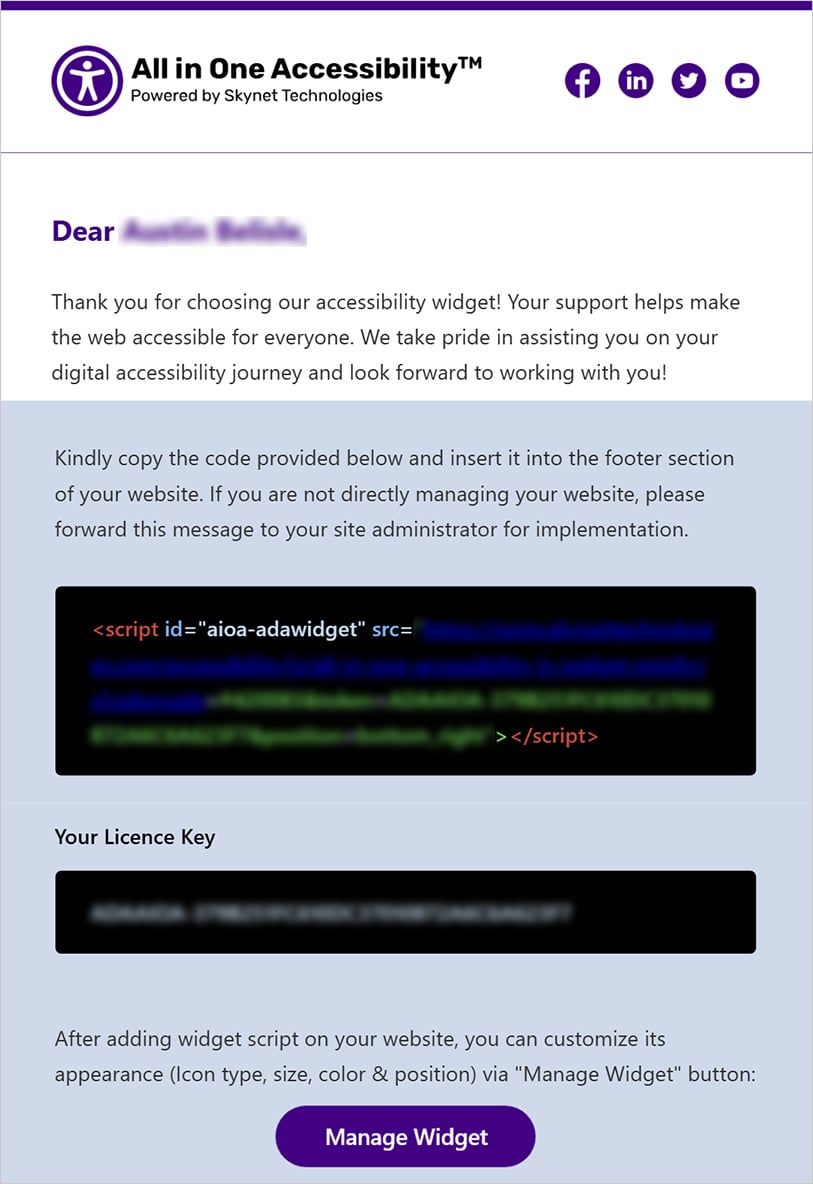
Copy and paste the installation code into website's source code or custom code section.
Configure the widget customization settings to align with the website's branding and accessibility preferences, including: Widget size, icon style and size, position, color, Accessibility statement link, Google Analytics integration settings, Screen Reader Voice selection, Language and accessibility preferences.
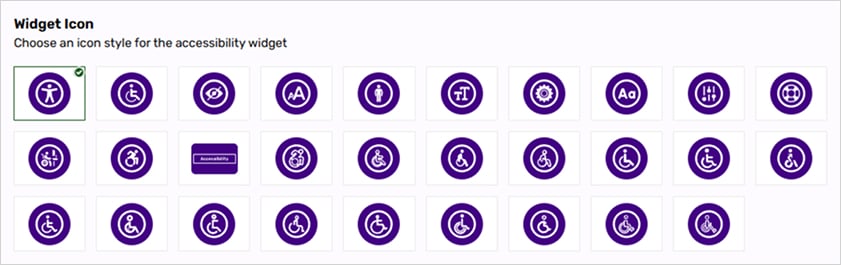





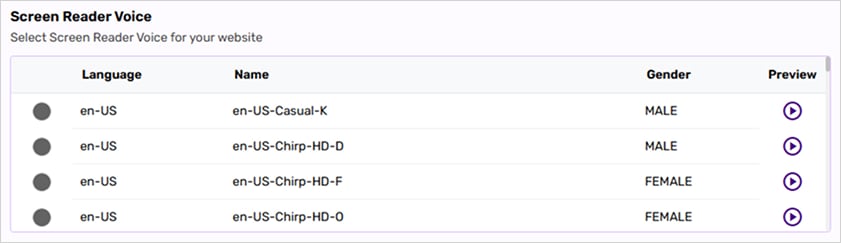



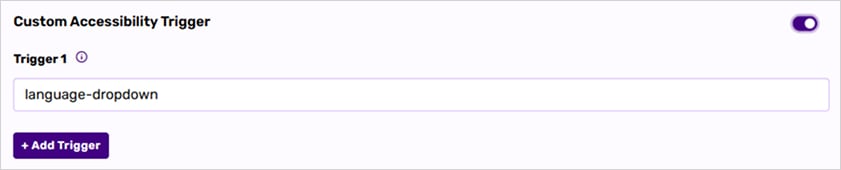
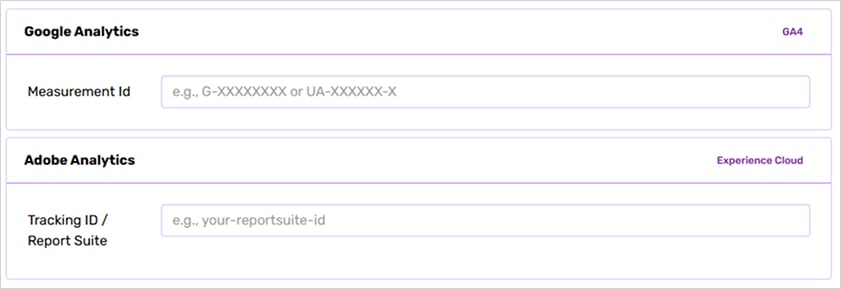
Save and Publish Changes.
Refresh the website and confirm that the All in One Accessibility widget appears and functions correctly across all pages.


Prefer a visual guide?
Watch this quick step-by-step video to see how to install an accessibility widget.
Supports seamless integration across following platforms:
CMS | 11ty, 1C-Bitrix, Adalo, Agility CMS, Art Storefronts, Atlassian, ATutor, B12, Backdrop CMS, BaserCMS, Batflat, Beaver Builder, BentoBox, Blogger, Bluehost, BookStack, Botble, Builder CMS, Butter CMS, CakePHP, Camaleon CMS, Cargo, Carrd, Circle, ClassicPress, Clover Sites, CMS S3, CMSimple, Cockpit, CodeIgniter, Cofoundry CMS, Contenido, Convertri, Cotonti, Creatium, DataLife Engine, DatoCMS, Directus, Discourse, Document360, DokuWiki, Dorik, Dot CMS, Dubsado, Duda, Durable, EverWeb, Evolution CMS, Exponent CMS, ExpressionEngine, FASO, FlatPress, Flexbe, FlipBuilder, Flotiq, FMG Suite, Fork CMS, Format, Galette, GreatPages, Heretto, Host CMS, Hugo, ILCH, IM Creator, ImpressCMS, ImpressPages, Insites, Instant CMS, Instapage, inwink, IONOS, Italiaonline, Jadu, Jahia, Jamroom, Jekyll, Jimdo, JouwWeb, Juzaweb, K2, Kajabi, Kirby, Known, Kopage, LadiPage, LEPTON, LiveAgent, Lodgify, LP Platform, Mecha, MediaWiki, Microweber, Mobirise, MogutaCMS, Monstra, MotoCMS, Mura CMS, Muvi, N2CMS, NamelessMC, Netcat, Nicepage, Nucleus, NukeViet, On Universe, OpenCities, OpenCMS, Optimizely, OptimizePress, Paligo, Papoo CMS, Persona, PhotoFolio, Pico CMS, Pixel, Pixieset, Pixpa, PKP, Podia, Poptin, PRADO, Prismic, ProProfs, Publii, Publitas, Pulse, PunBB, PyroCMS, RapidWeaver, Readymag, Real Geeks, Refine, Register.com, Rela, RocketSpark, SharePoint, Shiny CMS, Showit, Simpleview, SITE123, Siteglide, Sitejet, SiteMagic, SiteOrigin, SitePad, SiteTriks, SiteVision, SmugMug, Softr, Spacecraft, Spina CMS, SPIP, Squidex, Strivacity, Studio AI, Subrion, Sulu, Super, Symfony, Teachable, Textpattern, Thrive, TikiWiki, TinyCMS, TOWeb, Tumblr, TwillCMS, TypeMill, Ucraft, uKit, Umso, VaahCMS, vBulletin, Voog, WBCE CMS, Web.com, Webador, Webiny, Weblium, Webnode, Webself, Website X5, WebsiteBaker, WebWave, weDevs, Weebly, WildApricot, WoltLab, WonderCMS, XenForo, XOOPS CMS, XpressEngine, XWiki, Yii Framework, Yola, Zesty, Zeta Producer, Zyro, Amplience, Contentful, Netlify, Plasmic, PrestaShop, Kentico, Sitecore |
Ecommerce | Aimeos, ProcessWire, Squarespace, 29 Next, AbleCommerce, AmeriCommerce, Arcadier, AWeber, Bagy, Bloomreach, CloudCart, Dokan, Dynamicweb, EC-CUBE, FastSpring, Foxy, Fynd, Gorgias, IdoSell, Ikas, InSales, Instamojo, Klaviyo, Klevu, Lightspeed, LiteCart, Logicommerce, Lunar, Miva, Nexcess, Omnisend, OroCommerce, OXID, PeakCommerce, Plentymarkets, PlentyONE, Prepr, Sana Commerce, S-Cart, Shopaccino, ShopSite, ShopWired, Smartstore, Snipcart, Square, Squirrelcart, StoreHippo, SureCart, Volusion, VTEX, Zegashop, Zoho Commerce, SamCart, Elastic Path, Big Cartel, Digital Showroom, ePages, Gambio, HikaShop, Horoshop, Hotmart, IdeaSoft, Imweb, J2Store, Leadpages, Nuvemshop, OsCommerce, SeedProd, ShopBase, Shoper, ShopFactory, Shoptet, Thinkific, Ticimax, Tray, VirtueMart, X-Cart, YouCan, Liferay, Cms Max, React, Shogun, Stackbit, Strikingly, Freshworks, Systeme, Brightspot, Deskpro |
CRM | Kartra, Squiz, 123FormBuilder, Alboom, Atera, Bettermode, Booqable, Brevo, Constant Contact, Corebos, EspoCRM, Fireberry, Funraise, Groove, Guesty, Hostaway, HumHub, Infor, Jostle, Keap, Knack, Knak, Kommo, Kustomer, Laravel, Maian Media, MailerLite, Marketing 360, NationBuilder, NiceJob, Ontraport, Perfex, Pipedrive, Sage, Selldone, Salesforce, Simvoly, SugarCRM, SuiteCRM, Thryv, User.com, VTENEXT, Vtiger, WebLucy, Zendesk, Vendasta, Salesforce Experience Builder |
LMS | Academy LMS, Academy of Mine, Blackbaud, Canvas, Cornerstone, Edlio, Ex Libris, Forma LMS, GetCourse, Gibbon, ILIAS, LearnWorlds, LearnyBox, LifterLMS, Naviance, Open edX, Pathwright, School Jotter, Skilljar, TalentLMS, Totara, Tovuti, Trainual, TutorBird, Zenler, Teachery, Xyleme |
Framework | LavaLite, AngularJS, Astro, Bubble, Emotion, Express.js, Frappe Framework, Ghost, Hogan.js, Java Servlet, Java, Marko, Nette, Next.js, Nuxt.js, Oracle Commerce, Podio, Portfoliobox, Remix, RequireJS, Statiq, Stimulus, SvelteKit |
Landing Page Builder | Digioh, Canva, Heyflow, Landingi, Makeswift, Oxygen, PageMaker, Unbounce, VistaPrint, Wishpond, Builderall, FunnelKit, LandingCube, PageFly, Pagewiz |
Website builder | AppDrag, Axure, Blocs, Divi, Dreamweaver, Elementor, Fliplet, GetSite, one.com, Pinegrow, SeoToaster, Silex, Site.pro, Yclas |
Hosting | Hostinger, Linode, Outgrow, Vultr, Liquid Web, DreamHost, HostGator, GoDaddy |
Marketing | ActiveTrail, Adeptia, GetResponse, Make, Plecto, Polymer, Tealium, Mautic |
PMS | Cloudbeds, Progress Sitefinity, Smoobu |
Forum | NodeBB, phpBB, SMF |
ERP | Airtable |
Helpdesk System | UVdesk |
Integration Marketplace | Zapier |
Need Assistance?
Our team assist with setup and configuration across a wide range of platforms and technologies. Reach out hello@skynettechnologies.com.
Found any accessibility barrier? Don’t hesitate to report it, so it can be addressed promptly.


