
The internet landscape is changing. For website owners, it is essential to deliver an accessible and seamless user experience by ensuring all visitors including people who are blind, hearing or vision impaired, motor impaired, color blind, dyslexia, cognitive & learning impaired, seizure & epileptic, and with ADHD problems; can see, understand, navigate, and easily use BigTree website conveniently!
Kick-start your efforts into improving website accessibility in a cost-effective way with BigTree web accessibility integration - an AI based accessibility solution for quick website accessibility improvements. It allows users to select available accessibility features as per their needs and peruse the content. It improves website accessibility for the standards including ADA, WCAG 2.0, WCAG 2.1, WCAG 2.2, Section 508, Australian DDA, European EAA EN 301 549, UK Equality Act (EA), Israeli Standard 5568, California Unruh, Ontario AODA, Canada ACA, German BITV, France RGAA, Brazilian Inclusion Law (LBI 13.146/2015), Spain UNE 139803:2012, Japan JIS X 8341, Italian Stanca Act, Switzerland DDA, and Austrian Web Accessibility Act (WZG)!
Explore the following steps to integrate All in One Accessibility widget on BigTree website:
Download the plugin ZIP file.

Log in to the Admin Panel.
In the top navigation, go to 'Developer' > 'Extensions' then upload the plugin ZIP file.

Navigate to 'Install Extension' and upload the plugin ZIP file.
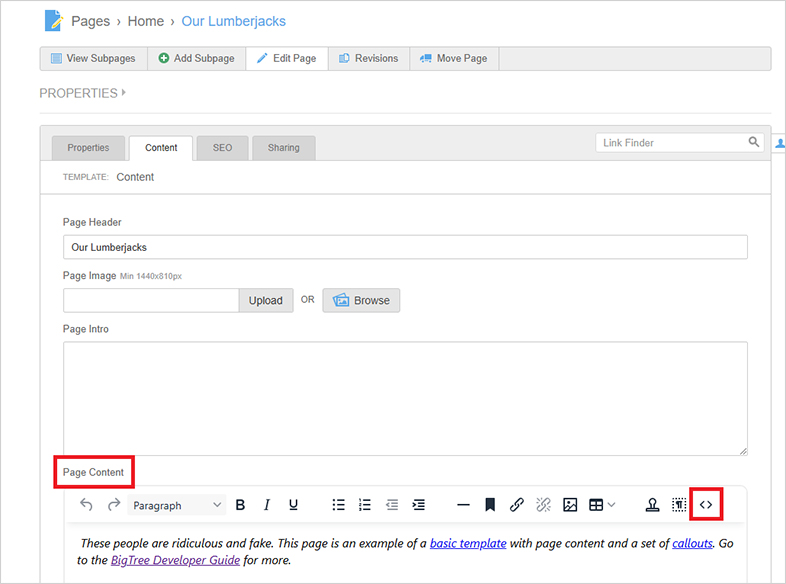
Next, Click the Install plugin.
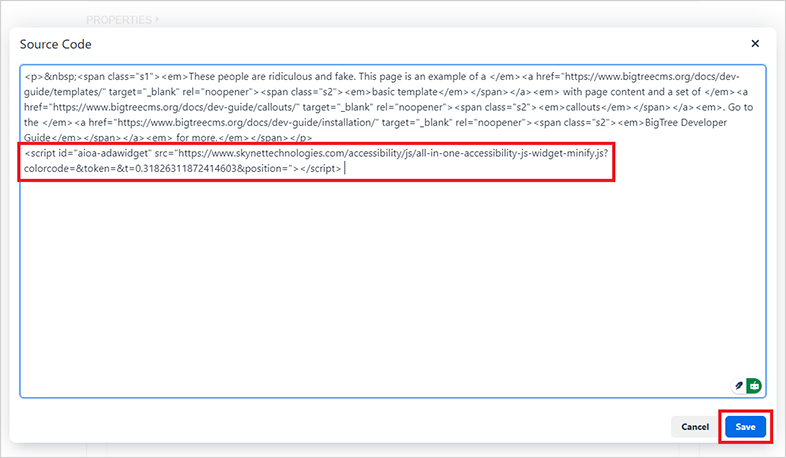
Go to the module section and show to All in One Accessibility and click it open to setting page.
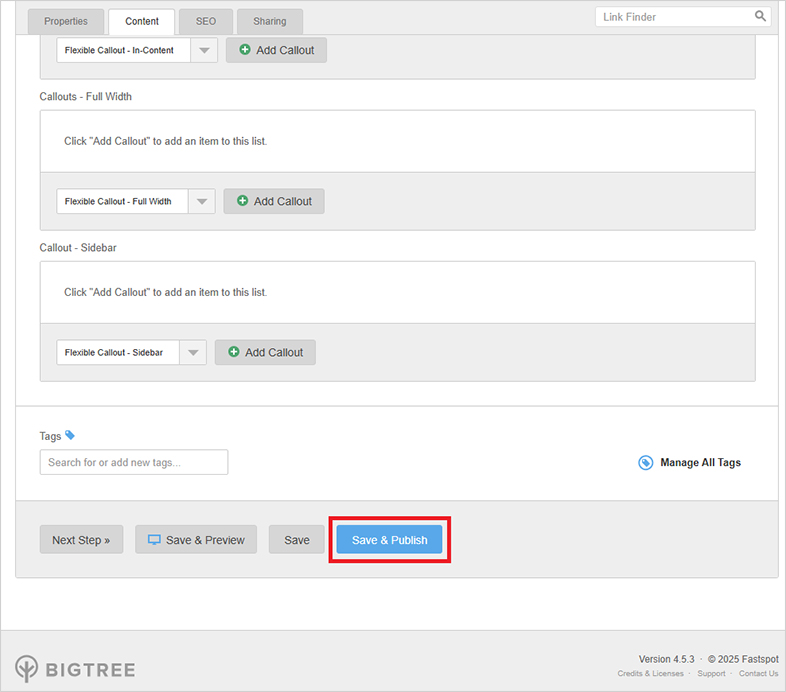
Configure the “All in One Accessibility®” widget here.
Note: Customize the widget based on your website’s design. You can adjust the following settings:
Widget Color, Icon Position, place icon, widget size
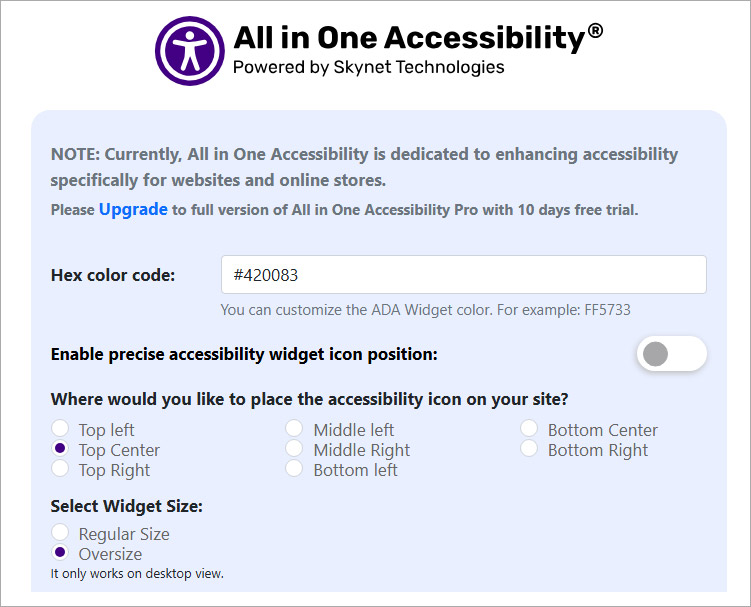
Icon type
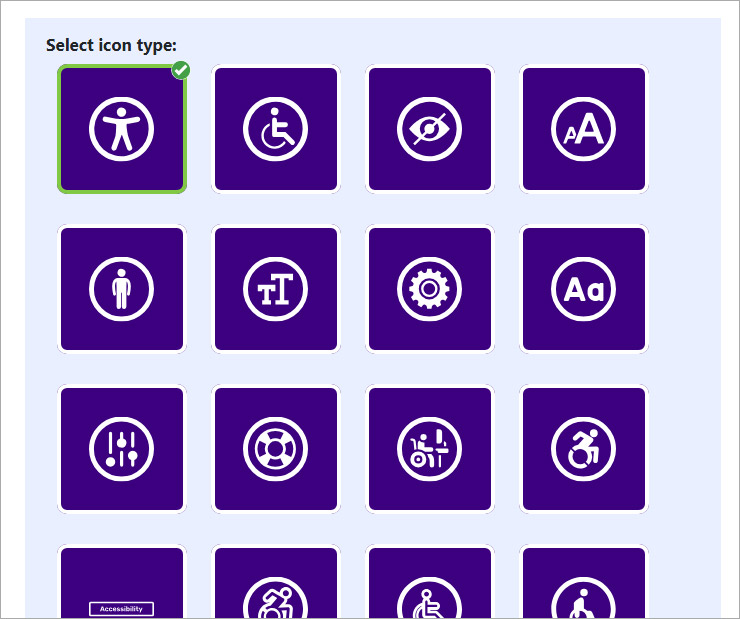
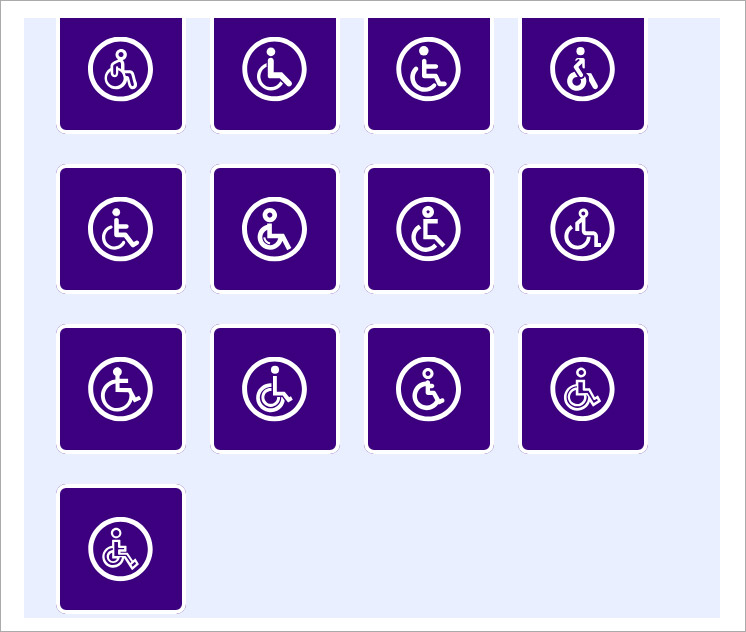
Set Custom Icon Size
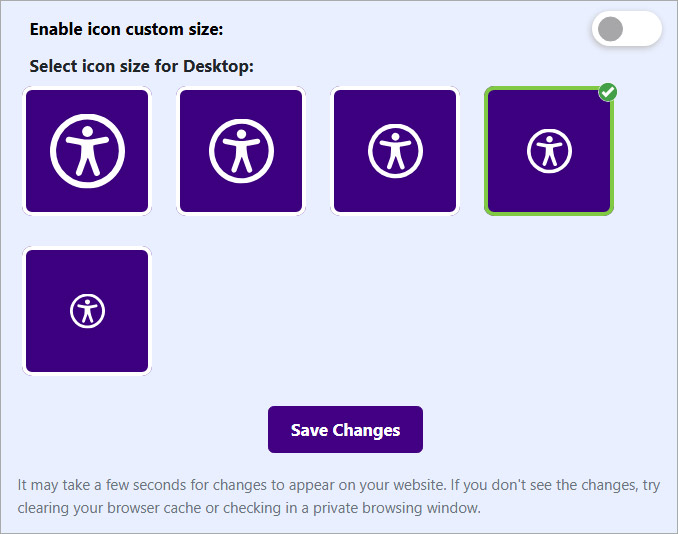
The All in One Accessibility® widget should now appear on your website.



Reach out if you need any help with the installation or technical assistance! We’d love to help!
Skynet Technologies is a proud W3C (World Wide Web Consortium) and IAAP (International Association of Accessibility Professionals) member that help us to be a part of the global accessibility community and stay up to date with compliance guidelines.
The businesses, large enterprises, Federal and state governments, educational institutions and universities who are considering remediating websites with full ADA WCAG 2.0, WCAG 2.1, WCAG 2.2 compliance; we provide enterprise remediation strategy for WCAG including audit, consulting, website remediation, document accessibility remediation, VPAT accessibility conformance report, regular maintenance, monitoring, training, and support.
If you are looking for enterprise or custom web accessibility solutions, request a free ADA accessibility remediation cost for digital upgrades or email us at hello@skynettechnologies.com.


