
Accessibility makes digital path straightforward for people with disabilities and an added advantage for others!
Imagine opening an app or website and instantly feeling overwhelmed by flashing animations, tiny fonts, complex instructions, and endless clutter.
Now, picture navigating same platform with clear layouts, customizable settings, and easy-to-understand content. Which experience would anyone choose?
For millions of neurodiverse individuals, the digital world often feels like the first scenario: chaotic and exclusionary. But it doesn’t have to be that way.
Current requirement is – an empowering digital product, where everyone feels welcome, understood, and capable. In this era of innovation, cognitive accessibility best practice is the key to unlocking potential capabilities of many. And the best part? Designing for neurodiverse audiences doesn’t just benefit them - it makes the solutions better for everyone.
So, ready to rethink previous approaches to digital designs?
Let’s discuss it!
Cognitive accessibility: An important facet to focus on!
Cognitive accessibility focuses on making digital tools and platforms accessible to individuals with various cognitive abilities, such as people with dyslexia, ADHD, autism spectrum disorder (ASD), traumatic brain injuries, or age-related cognitive decline. These users may encounter different challenges with memory, comprehension, attention, or problem-solving, making it essential to design simple, clear, and adaptable digital experiences.
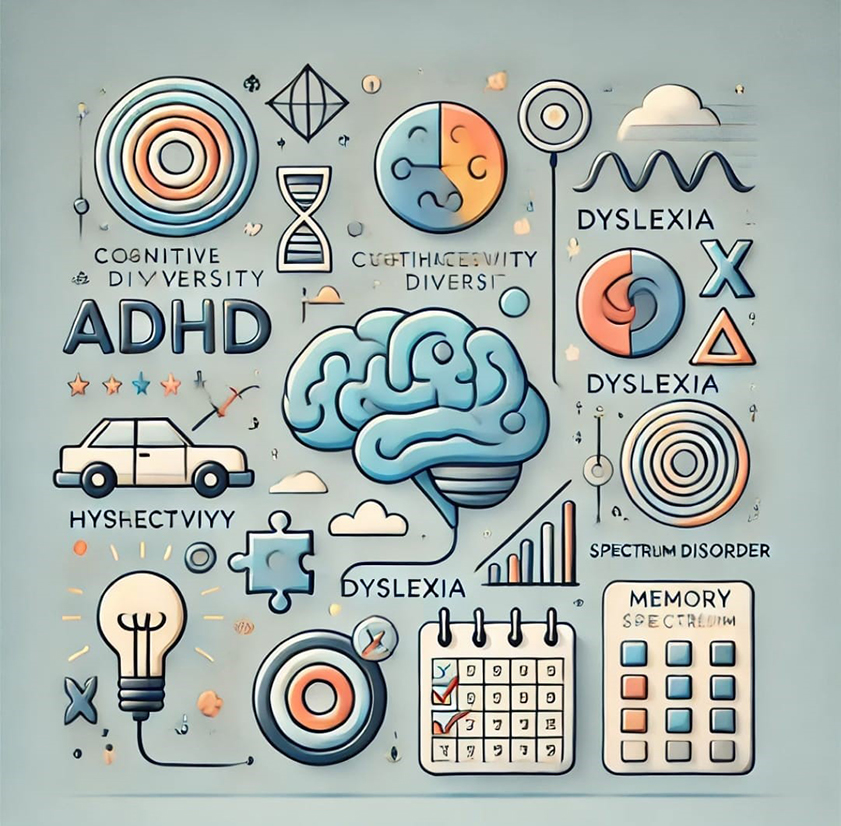
Reason why cognitive accessibility matters!
- Broad reach: According to the World Health Organization, approximately 1 in 6 people experience a significant cognitive disability.
- Improved usability for all: Features that benefit neurodiverse users – like simplified navigation and readable fonts – enhance usability for everyone.
- Legal compliance: Accessibility standards, like WCAG 2.1 (Web Content Accessibility Guidelines), emphasize cognitive accessibility as a core requirement.
Axioms for cognitive accessibility
1. Simplify content and language- Use plain language, short sentences, and an active voice.
- Break information into digestible chunks using headings, bullet points, and white space.
- Avoid jargon, idioms, and complex metaphors that might confuse users.
- Use high-contrast colors to improve readability. Use our WCAG Color Contrast Checker tool to ensure it.
- Choose simple, sans-serif fonts like Arial or Verdana, and ensure the text is resizable.
- Include sufficient spacing between lines, paragraphs, and clickable elements to prevent visual overwhelm.
- Minimize distractions like autoplay videos or excessive animations.
- Use clear, consistent layouts that guide users through tasks step-by-step.
- Provide an option to hide non-essential content or switch to a “focus mode”.
- Allow users to adjust text size, color schemes, and screen brightness.
- Offer multiple ways to interact, such as voice input, keyboard navigation, or touchscreen gestures.
- Include customizable tooltips or inline help for users need additional guidance.
- Include visual aids like icons, charts, or infographics to supplement text.
- Offer checklists, progress bars, or other tools to help users track their tasks.
- Provide a “save for later” feature to accommodate users need more time to complete activities.
- Conduct usability tests with real users to identify pain points and gain insights into their needs.
- Tools like accessibility overlays and browser extensions can also help simulate user experiences.
Tools and technologies to enhance cognitive accessibility!
- Screen readers and text-to-speech: Tools like NVDA, All in One Accessibility Screen Reader, or VoiceOver help users process text audibly.
- Readable formats: PDFs and documents should be tagged correctly to ensure compatibility with assistive technologies.
- Accessible forms: Include clear instructions, error messages, and progress indicators in form designs.
Examples of cognitive accessibility in action
- Dyslexia-friendly text
Apps like DyslexiaEasyRead offer custom reading experience with dyslexia-friendly fonts, making reading easier.
- Simplified interfaces
Google’s “Material Design” principles emphasize clear visuals and consistent navigation, which benefit users with cognitive challenges.
- Focus assist tools
Platforms like Notion and Microsoft Word include “Focus Mode” features that reduce on-screen distractions, allowing users to concentrate better.
Wrapping up
The Best Practices for Cognitive Accessibility focus on making digital experiences easier to understand, navigate, and use for people with different cognitive and learning needs. Clear content, consistent layouts, predictable interactions, simple navigation, readable typography, and sufficient time to complete tasks can reduce unnecessary barriers for neurodiverse users.
Cognitive accessibility should be considered throughout design, development, content creation, and testing rather than added as a final adjustment. Regular reviews can help organizations identify usability challenges and improve digital experiences as their websites and applications evolve.
All in One Accessibility®, the accessibility product by Skynet Technologies, includes a Cognitive Profile with features such as Reading Mask, Stop Animation, and Text Magnifier. Skynet Technologies also provides accessibility audits, remediation, consulting, accessible design and development, and ongoing support aligned with WCAG and ADA requirements. Request a Free ADA Website Audit to identify opportunities for improving cognitive accessibility across your digital assets.


